The Driver App powers your fleet: from accepting rides to tracking earnings and hitting bonuses. Built to boost performance, build loyalty, and cut churn, it’s the essential tool for a smooth, high-performing operation.


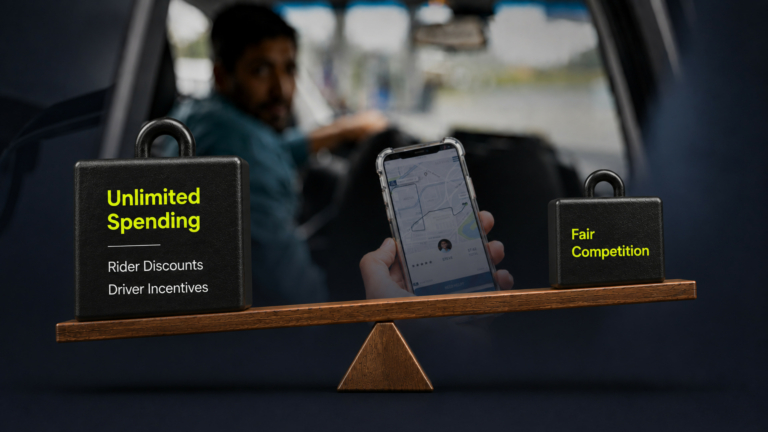
A practical package for local operators who need smarter promotions without burning margin.
What this is: A single, integrated stack that lets you run targeted promotions, trigger campaigns based on rider behaviour, and (optionally) co-fund discounts with partners — all from your existing eCabs admin workflow.
Who it’s for: Operators losing market share and margin because campaigns are manual, generic, and constrained by budget.
The Problem We See Repeatedly
The eCabs Tech Answer: 3 Modules, One Outcome
Deploy a growth engine that increases campaign frequency and effectiveness while protecting margins.
Stack Overview
Module 1 — Promotions Engine (Talon.One)
What it does (plain terms): Create promo codes and automatic promotions with full eligibility rules (zones, ride types, payment methods, caps).
Business impact: Targeted discounts, controlled exposure, less leakage.
Module 2 — Customer Engagement Platform (MoEngage)
What it does (plain terms): Trigger journeys across Push/SMS/Email/WhatsApp using behaviour (inactive riders, aborted signup, churn risk).
Business impact: Higher activation & retention without blanket discounting.
Module 3 — Partner Promotion Suite (In-App Sponsorship + Banner Logic)
What it does (plain terms): Tie sponsor branding to campaigns so partners can co-fund discounts in exchange for premium home-screen placement.
Business impact: Run more campaigns with less cash burn; unlock partner-funded growth.
What You Can Launch (Examples)
How It Works (Simple Architecture)
This stack plugs into the booking flow so promotions validate in real time, while engagement journeys trigger based on behaviour.
Steps
Signup, app-open, booking attempt, cancellation, ride completed, inactivity, etc.
MoEngage places users into audiences and triggers journeys (push/SMS/email/WhatsApp).
Talon.One evaluates rules and applies the correct discount (with caps/limits).
Partner Promotion Suite applies sponsor theme on the home screen when that campaign is active.
Campaign priority, usage limits, caps, and anti-stacking rules reduce leakage and surprises.
Partner Promotion Suite (What’s New)
What You Get in a Typical Rollout
Week 1: Confirm objectives, define 3–5 launch campaigns, set guardrails (caps, priority, payment rules).
Week 2: Configure Talon.One campaigns + MoEngage audiences/journeys; validate end-to end in staging.
Week 3: Launch first campaigns; monitor redemption, leakage, and rider behaviour.
Week 4: Add Partner Promotion Suite themes; prepare 1–2 partner sponsorship templates (bank/telco/retail).

 Bulgaria’s leading taxi operator migrates to eCabs Technologies’ platfo...